Start with a workflow audit
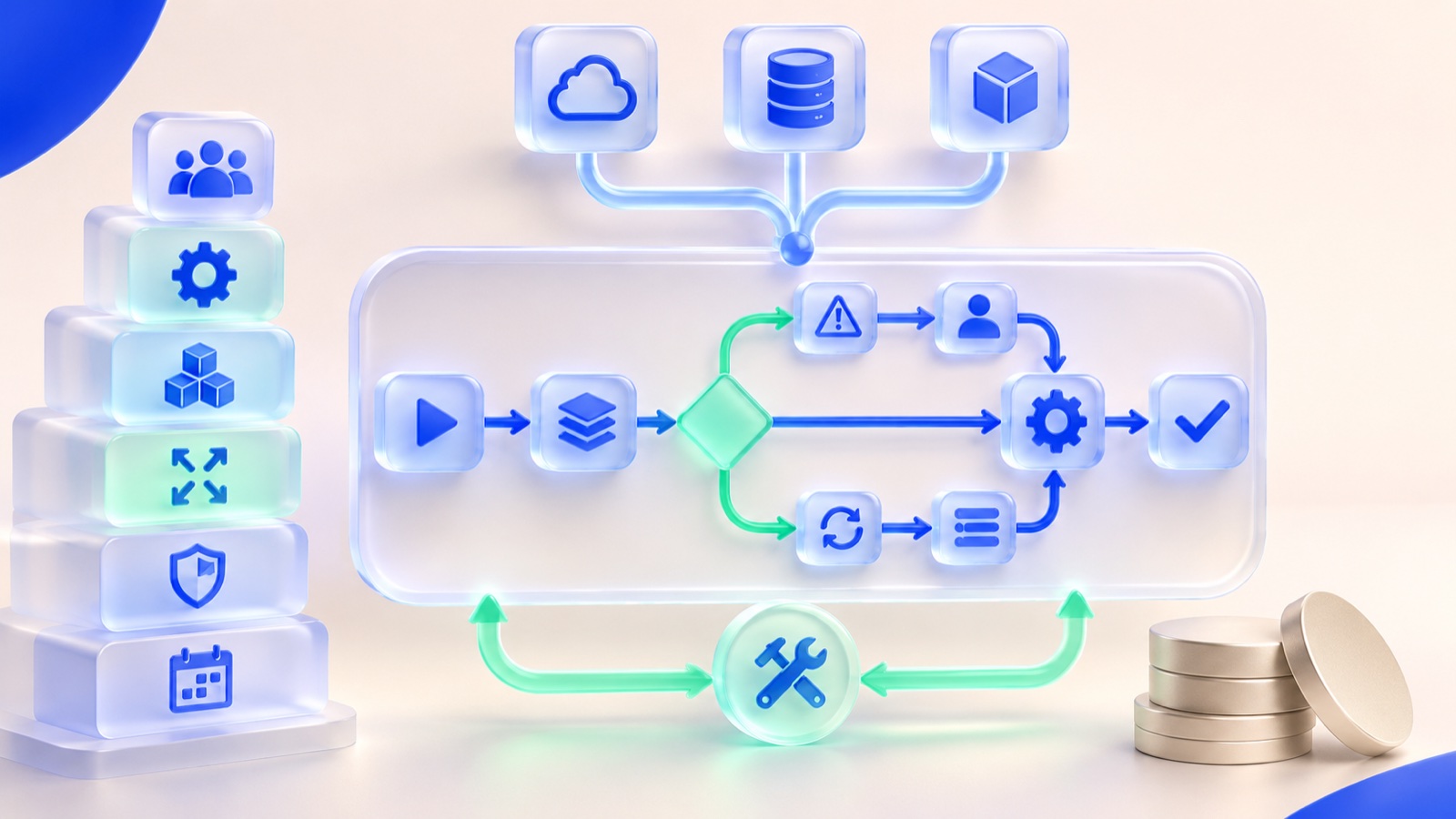
Pick a repeatable task with a clear input and an observable result: classifying support requests, drafting a response for review, or extracting fields from a form. Map every handoff from the first event to the final decision. Record who owns the decision, where the source data lives, and what a failed or uncertain answer should trigger.
For example, a sales team may receive leads in a CRM but still copy meeting notes into spreadsheets. A first AI step could summarize those notes into a draft CRM update. The sales owner checks the summary before it is saved. That narrow scope is easier to test than replacing the CRM.
Choose the smallest integration that works
An API is a supported way for systems to exchange data. If the existing product has one, an integration can read an approved record, call an AI service, and write a proposed result back. If it offers webhooks, it can notify the new workflow when a record changes. A scheduled export may be enough for a low-volume pilot. Browser automation is a last resort when there is no stable integration surface.
- Read access: limit inputs to fields needed for the task.
- Write access: draft first; make automatic updates only after the team has reviewed failure cases.
- Record identity: retain the source record ID so the result cannot be attached to the wrong customer.
Design review, security and rollout together
Set a confidence or exception rule that sends uncertain cases to a person. Log the input record, model output, reviewer action and final system update without exposing more sensitive data than necessary. Test with routine examples, incomplete records and deliberately confusing inputs. Give the team a way to correct the output and feed those corrections into the next test set.
Start with one team and a small batch. Compare time spent, correction rate and missed cases with the old process. Only then expand access or automate the final write. The NIST AI Risk Management Framework is a useful reference for treating AI risk as an ongoing operational responsibility.
Decide whether to commission an integration
Ask a provider to show the data flow, access boundaries, exception queue, test plan and maintenance owner before approving a build. If the process is simple and the CRM already offers a dependable feature, use that first. If the workflow crosses systems or needs business-specific review, an integration may be justified. For the broader build-versus-tool decision, see our custom AI agent comparison.